
A guest message lands on WhatsApp and, three seconds later, it's not just a message anymore — it's a request. It has a department, an owner, and a clock running. That transformation is the part most guest-messaging tools skip. Here's exactly how it happens, walked through at a hypothetical property we'll call Alpine Peak Lodge, a winter resort where “getting chilly up here tonight” needs to reach housekeeping in minutes, not whenever someone refreshes an inbox.
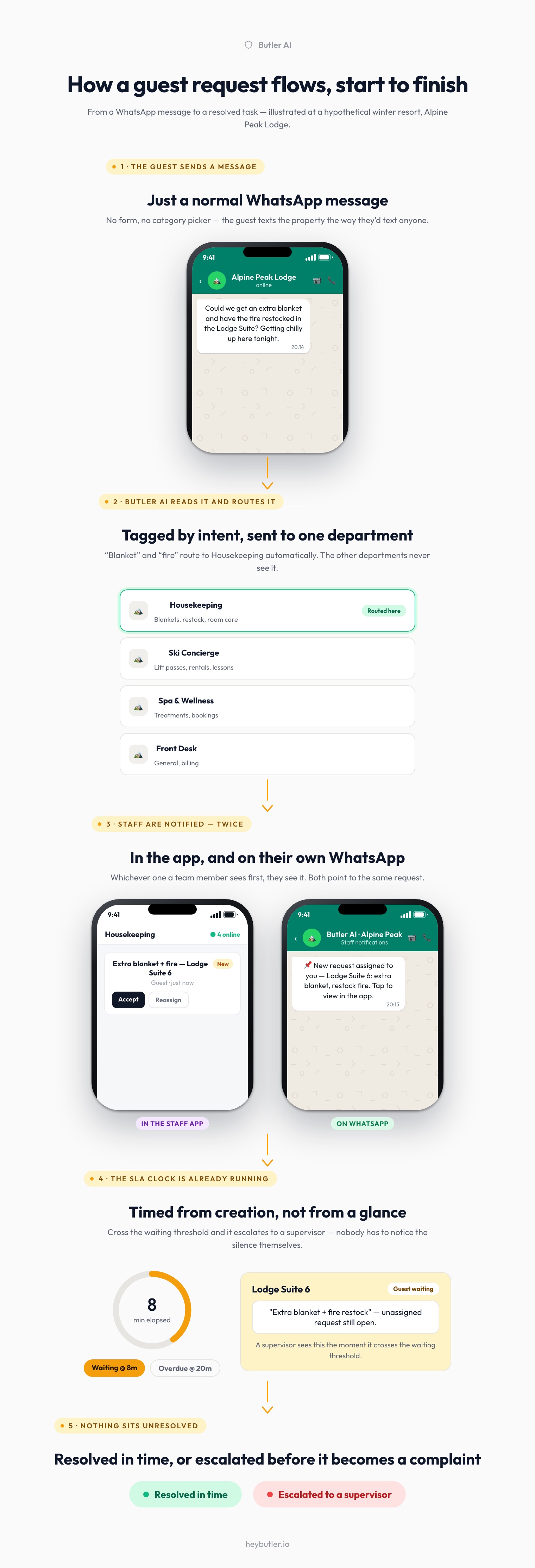
A guest message becomes a request
The guest doesn't fill out a form or pick a category. They just send a message the way they'd text anyone: “Could we get an extra blanket and have the fire restocked in the Lodge Suite? Getting chilly up here tonight.” Butler AI reads it the moment it arrives, on the same WhatsApp number guests already have saved — no separate app, no portal login, no ticket number to remember.
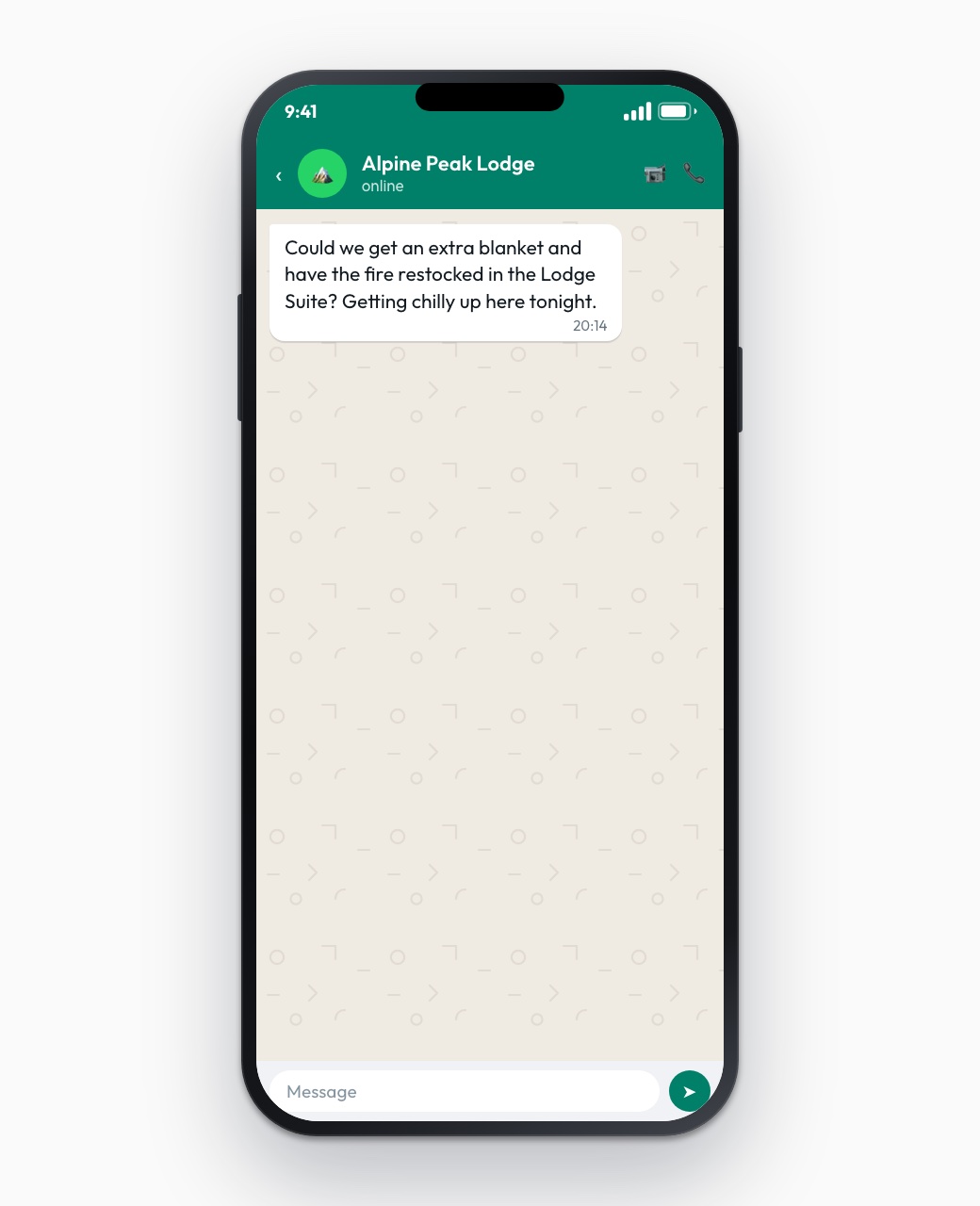
Routed to the right department automatically
Behind the scenes, the AI reads intent, not keywords. “Blanket” and “fire” route to Housekeeping; “lift pass” would go to Ski Concierge; “treatment” to Spa. Nobody at Alpine Peak maintains a rules list — the routing was trained on exactly this kind of request, and it improves the same way the rest of Butler AI's guest journey automation does: from real property data, not a static decision tree. Only the department that actually owns the job sees it; nothing gets broadcast to every inbox in the building hoping someone picks it up.
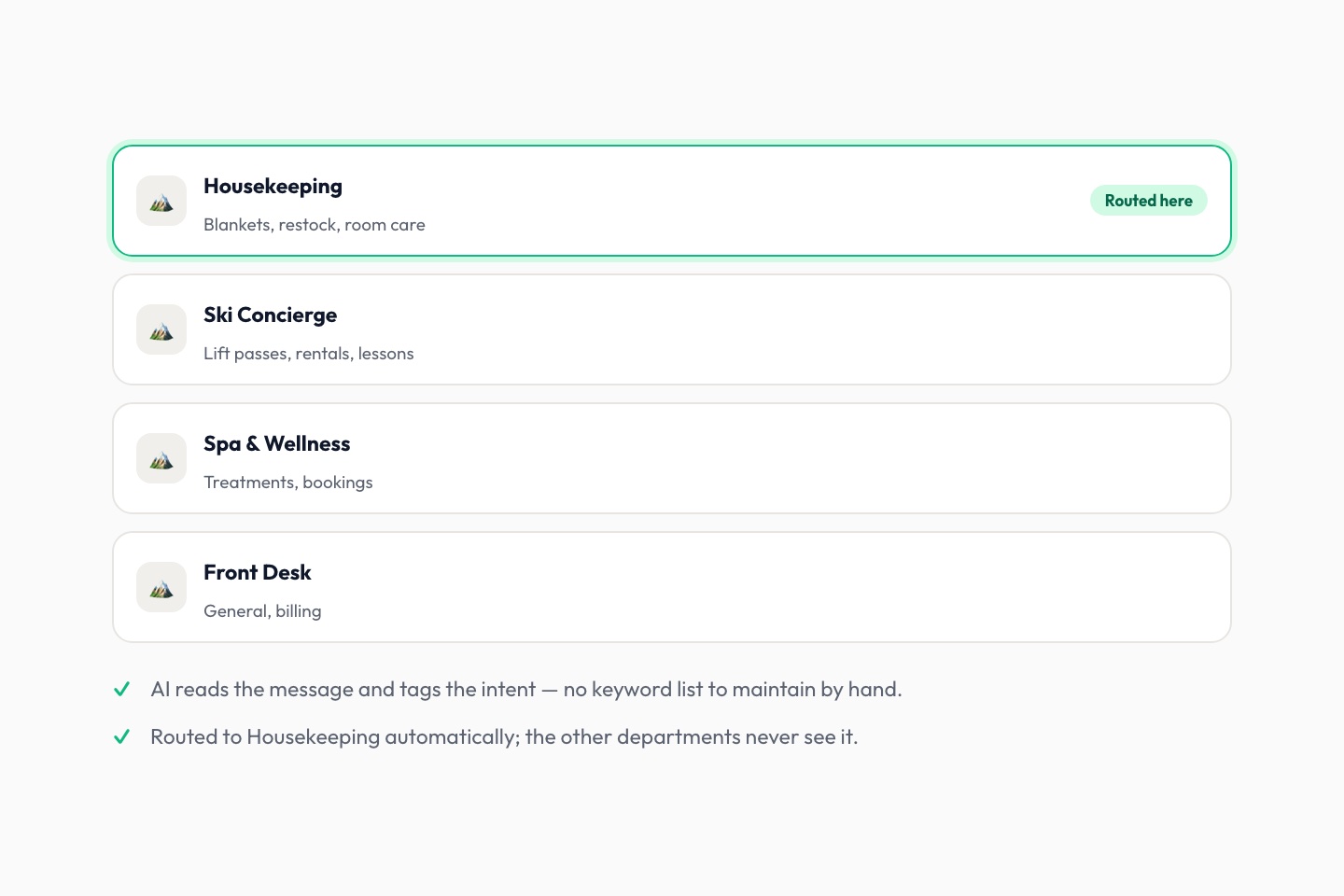
Staff get it twice: in the app, and on WhatsApp
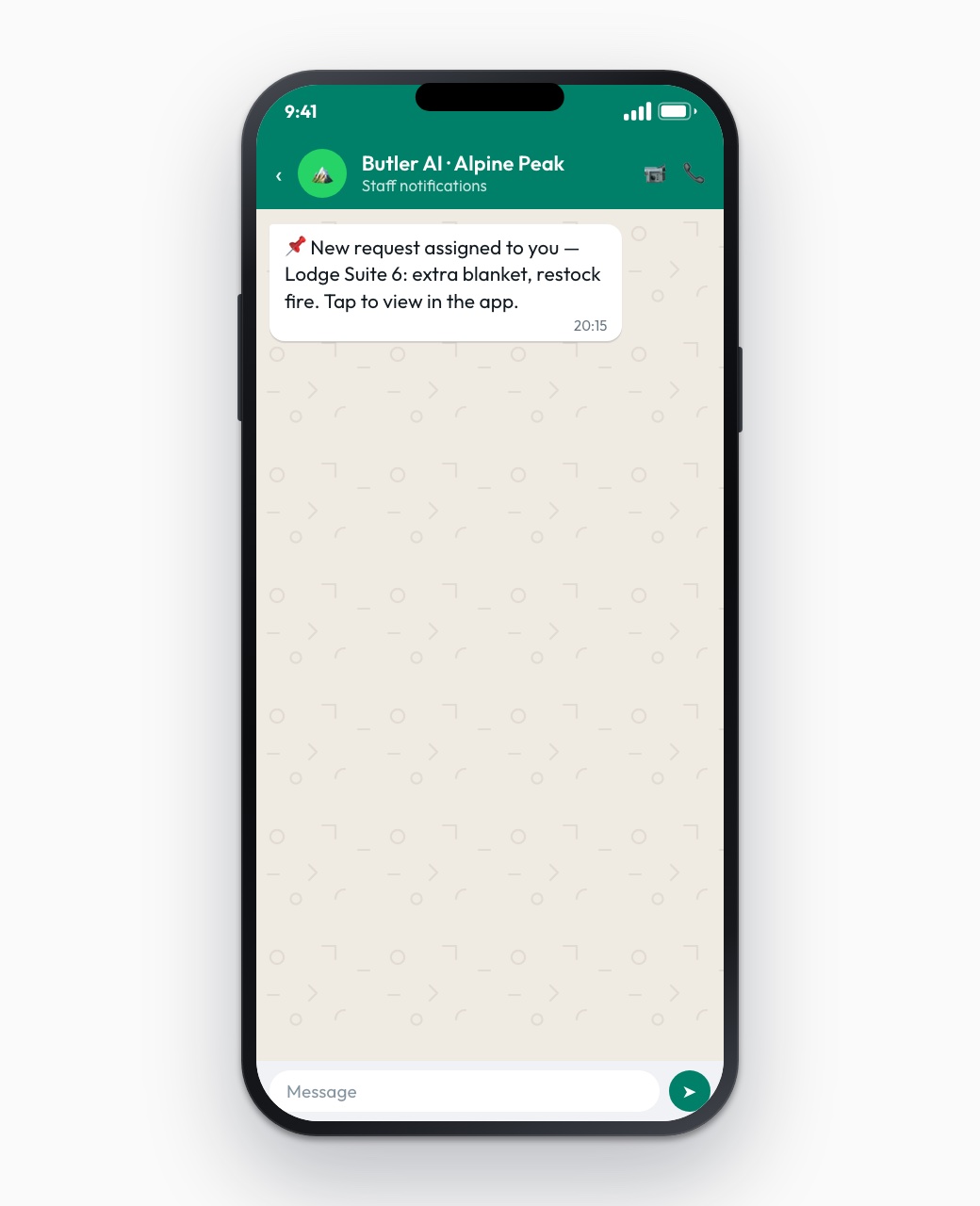
This is the part that actually prevents a missed request. The assigned department doesn't just get a new row in a dashboard somewhere — they get a push notification inside the Butler Operations staff app and a WhatsApp message on their own phone, because a housekeeping team on a mountain resort isn't sitting at a desk with a browser tab open. Whichever one they see first, they see it. Both point to the same request, so accepting it in one place resolves it everywhere.
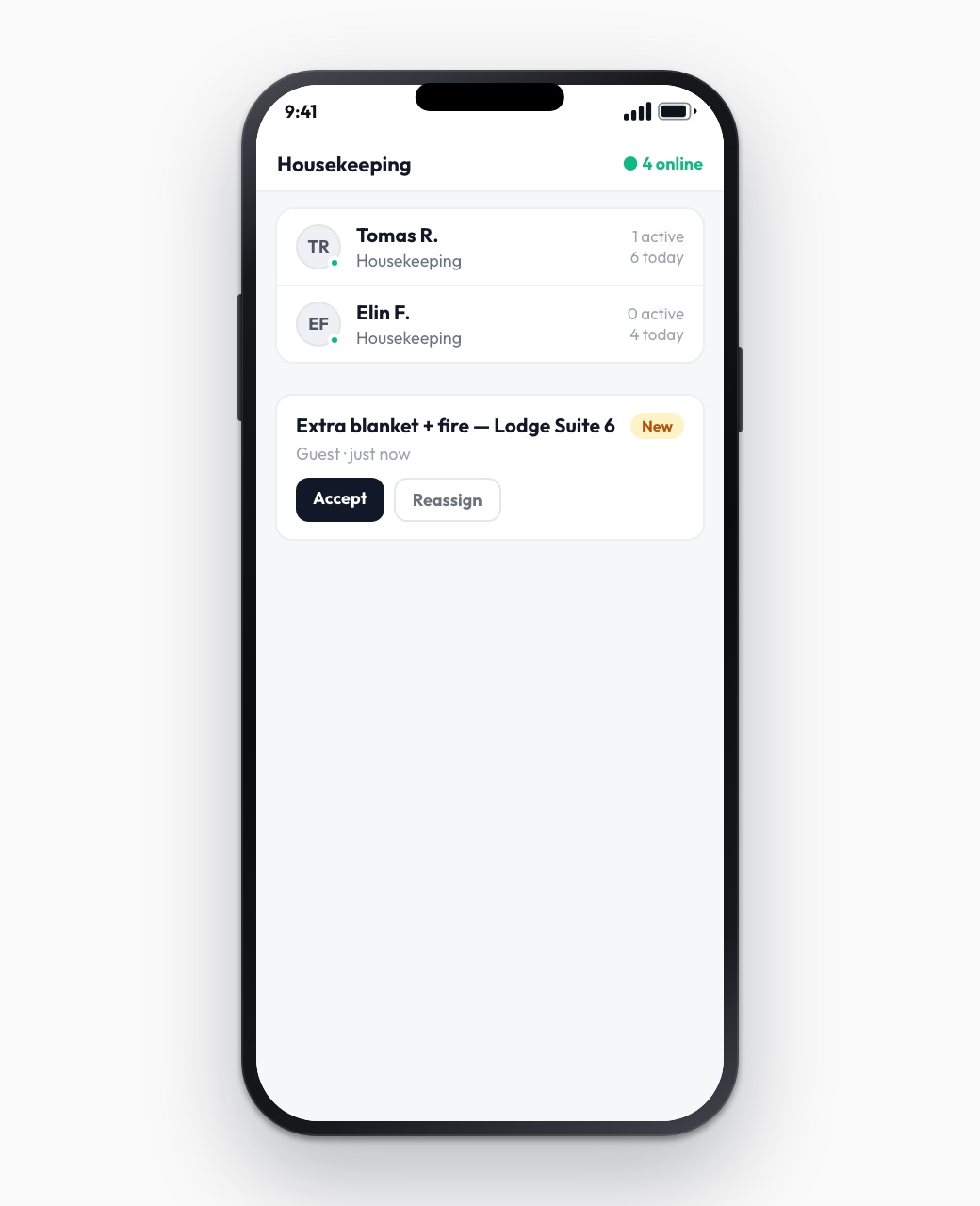
The SLA clock starts the moment the request is created
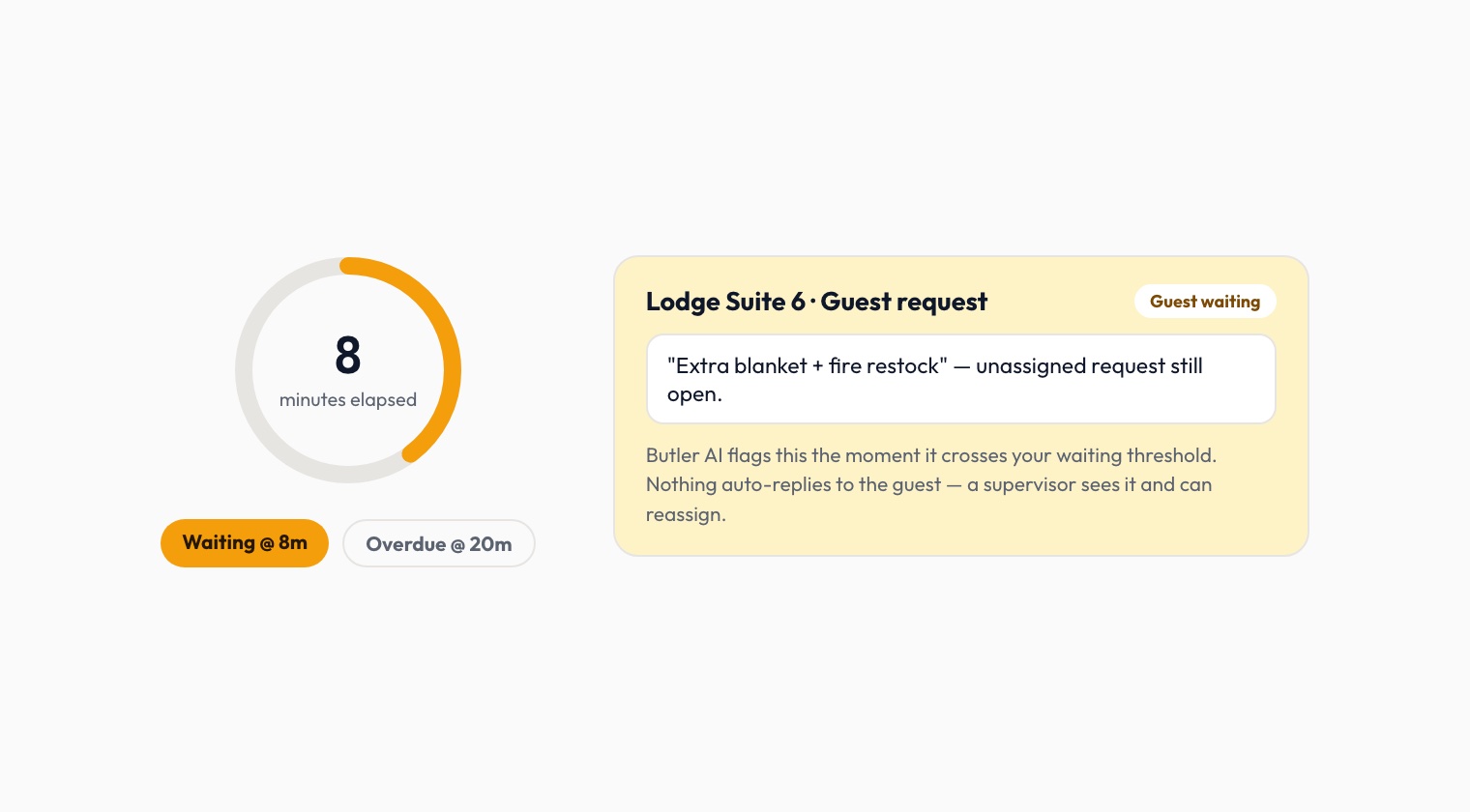
Every request carries a timer from creation, not from whenever someone happens to glance at it. Cross a property's own waiting threshold and it surfaces to a supervisor as a live escalation, the same mechanism behind Reply SLA Alerts. Nothing auto-replies to the guest on the property's behalf — a person still decides what happens next — but nobody has to notice the silence themselves. The thresholds are configurable per property, the same way they're described in how ops settings control SLA thresholds and data retention.
Why nothing gets missed
Put the three pieces together and the failure mode most hotels actually have — a request that lands somewhere, in someone's inbox or memory, and just sits — mostly disappears. Every request has exactly one owner, a timer that started the second it was created, and an escalation path that doesn't depend on anyone remembering to check. It's the same idea behind how guest conversations run hotel operations more broadly, and behind why the response-time numbers in resolve conversation and response-time tracking actually mean something — they're measuring a system with a defined start and end, not a best guess. See how it fits together for your own property at heybutler.io.