
A guest walks into the suite, drops a bag and wants one thing: to tell their butler they have arrived. In many resort butler programmes, that first message is where the trouble starts. Which number do they message? Is there a handset on the nightstand? Is it the butler's own WhatsApp? Here is how one scan gets a guest into the resort's own conversation, with no app and no second phone.
Why the first message matters
Resorts that run butler programmes today usually pick one of two routes, and both have good reasons behind them. The first is a butler phone: the resort issues a handset per villa, so the guest has a number that always reaches the butler team. The second is the butler's own WhatsApp, which guests genuinely like because it is the app they already use all day.
Both routes work. The butler phone gives the guest a dedicated line, at the cost of a second phone that sits on the nightstand, runs flat and sometimes goes home in a suitcase. The private WhatsApp gives the guest an easy chat, at the cost of ops having no record and the history leaving with the butler's handset. We wrote about the first in why guests do not want a second butler phone and the second in how the personal butler model works on WhatsApp.
The first message sets the tone for the stay. A guest who gets a warm, named reply within a minute of arriving learns that this resort pays attention. A guest who has to hunt for a number, wait for a handset to be delivered or ask the front desk twice learns the opposite. For an ops director, the first message is also the first moment the programme can either be seen or disappear into one person's phone.
One scan, and the guest is in the chat
With Butler AI the guest points their own phone's camera at a QR code and a registration page opens in the browser. There is nothing to install first. The page asks for three things: name, email and WhatsApp number. It then hands the guest straight to WhatsApp, to a conversation with the resort's business number. The full step-by-step, with screenshots, is in our post on how one QR code connects guests to your WhatsApp.
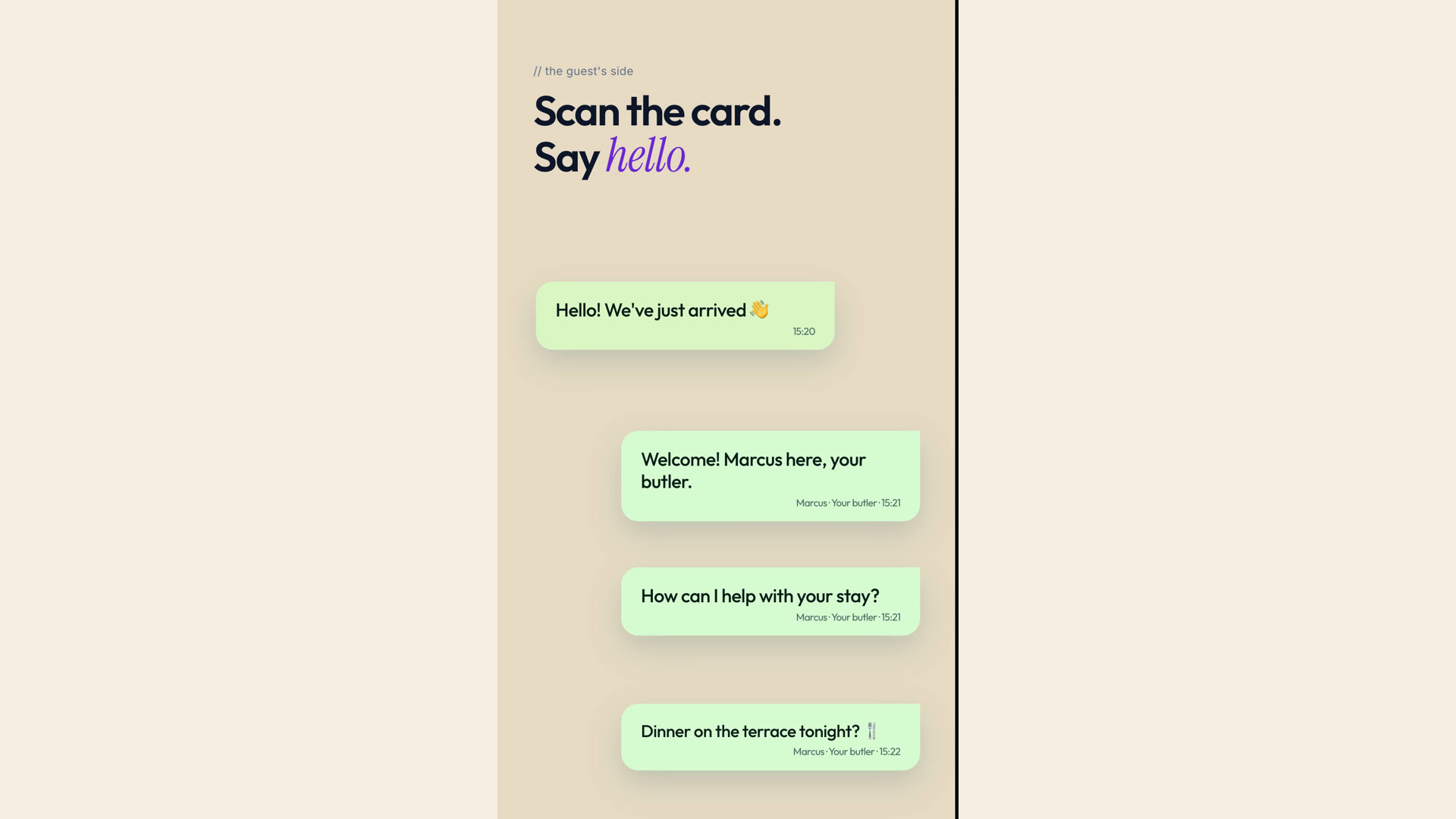
For the guest, that is the whole setup. They use the phone they already carry and the app they already use. There is no handset to charge and nothing to hand back at checkout. The butler replies in the same thread, so the conversation feels as personal as a private chat, because it is a real chat with a real butler.
The right butler answers
Every butler has their own QR code. When a guest scans it, the guest is assigned to that butler automatically, with no manual entry at the desk. That matters in a programme with 30 or so butlers working three shifts, because the guest should not have to work out who is on duty. When the shift changes, the conversation does not start again. We cover that hand-off in how shift handover works and how butler teams share guest coverage.
This is built for programmes where each guest has a named butler. If your property runs a shared front-desk team instead, the personal assignment works differently, and it is worth seeing in a demo before you plan around it.
The resort keeps the conversation
Behind the chat, the same conversation appears in the Butler AI inbox, tagged with the WhatsApp channel and the butler who owns it. Ops can see who is talking to whom, which requests are open and how fast replies go, without asking each butler to forward a screenshot. Because the guest is talking to the resort's own number, the record belongs to the resort. If a butler leaves, the history stays. You can read more about this in one resort WhatsApp number for your butler programme and audit logs for who changed what.
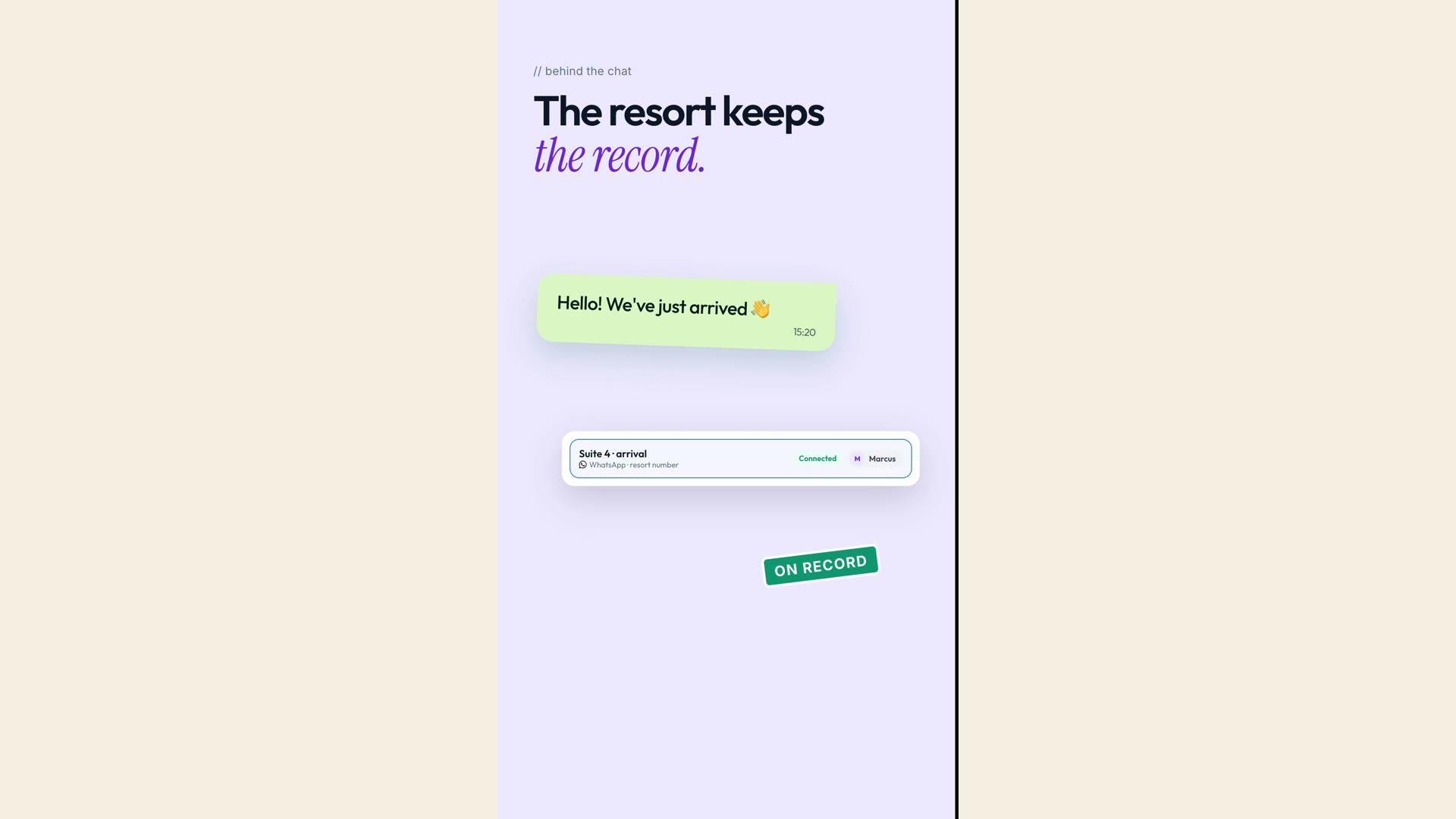
Requests that follow the hello are routed and tracked as well. See how guests can follow a request from accepted to done and how routing and reply alerts work.
None of this asks butlers to change how they talk to guests. They still greet, suggest and arrange the way they always have, in a chat that feels like WhatsApp because it is WhatsApp. What changes is where the conversation lives and who can see that it is being looked after. For a programme of roughly 500 rooms, that visibility is the difference between hoping every arrival was answered and knowing it.
A quick checklist for your arrival moment
If you run a butler programme, walk through your own arrival moment as a guest would and ask:
- Does the guest need to download anything, or carry anything extra, to reach their butler?
- Is it obvious on day one which number or chat to use?
- Does the guest reach the butler on duty now, and the right one after a shift change?
- Does the resort hold a record of the conversation, or only one handset?
- Can you see, as ops, that the first message was answered?
Frequently asked questions
Do guests have to install an app? No. The QR code opens a registration page in the browser, and the chat itself happens in WhatsApp.
Does the butler still use WhatsApp? Yes. The guest keeps the WhatsApp experience they like, and the resort keeps the record in Butler AI.
Who is this for? Ops teams running butler programmes at resorts. See the resort butler service page and butler operations for how it fits.
Butler AI works through WhatsApp for hotels, so guests stay where they already are. Explore the use cases or the product overview, or book a demo to see the arrival flow for your own programme.