
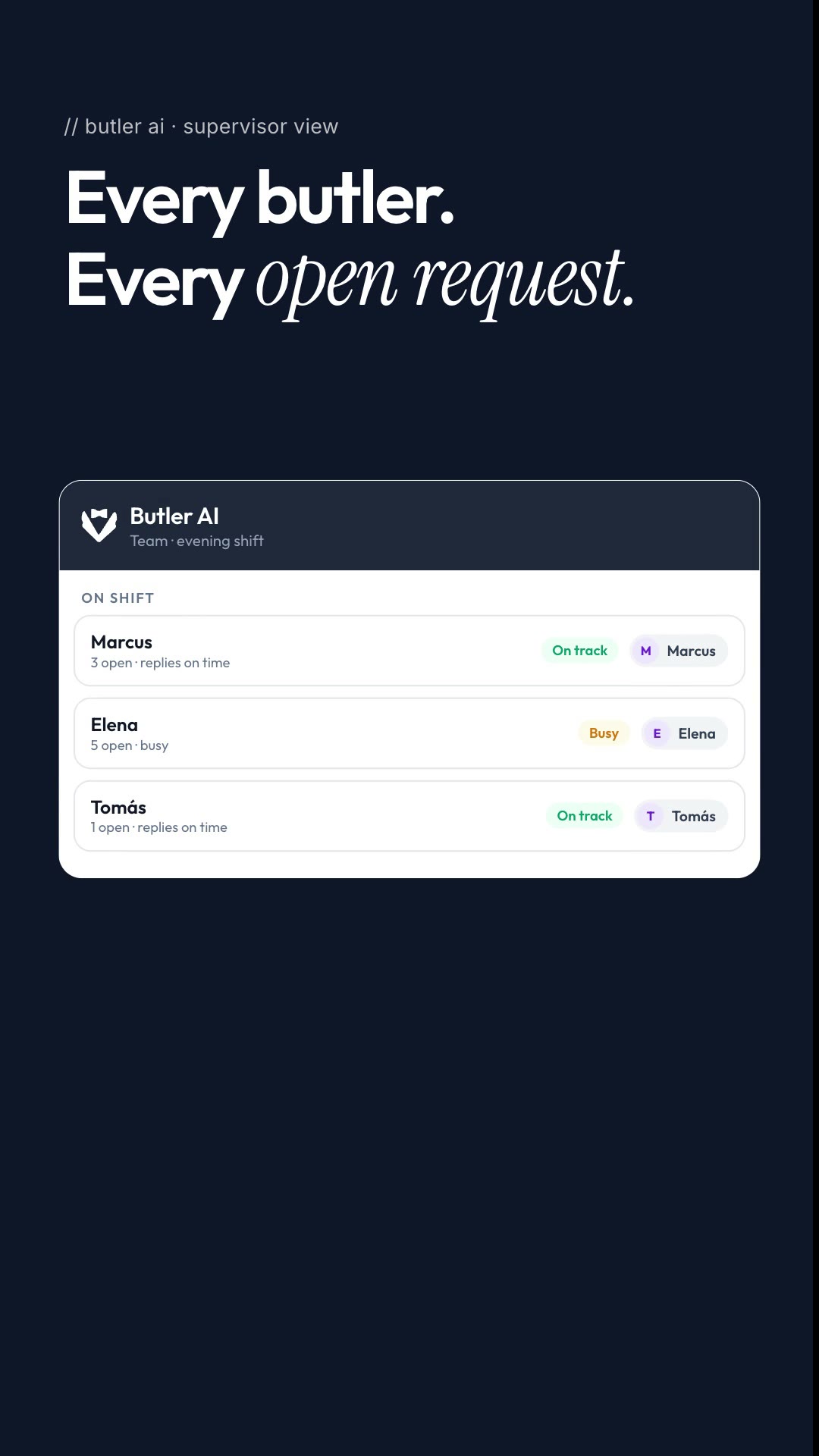
It is 21:40 on the evening shift. Three shifts, around thirty butlers, and one question from the ops manager: who has the most on right now? On a butler phone or a butler's private WhatsApp, the honest answer lives in each butler's head. Here is how a supervisor view puts the answer on one screen.
The question ops cannot answer from a handset
A private WhatsApp works for the guest and for that butler, on that shift. It is a good way to talk to a guest. It is not a way for operations to see the evening: how many requests each butler is carrying, who is quiet, and which guest is still waiting for an answer. Nobody is doing anything wrong. The tool simply gives the ops team nothing to look at.
Resorts that run a butler programme across several shifts feel this most at changeover, when the person asking the question was not on the previous shift.
Every butler, every open request
In Butler AI the supervisor view lists the butlers on shift with their open requests and where they stand on response times. The ops manager can see the team's workload at a glance and spot who is carrying the most before it becomes a problem. Read how supervisor visibility and SLAs work in Butler AI operations, or how request routing and SLA alerts fit together.
When a guest has been waiting, you see it first
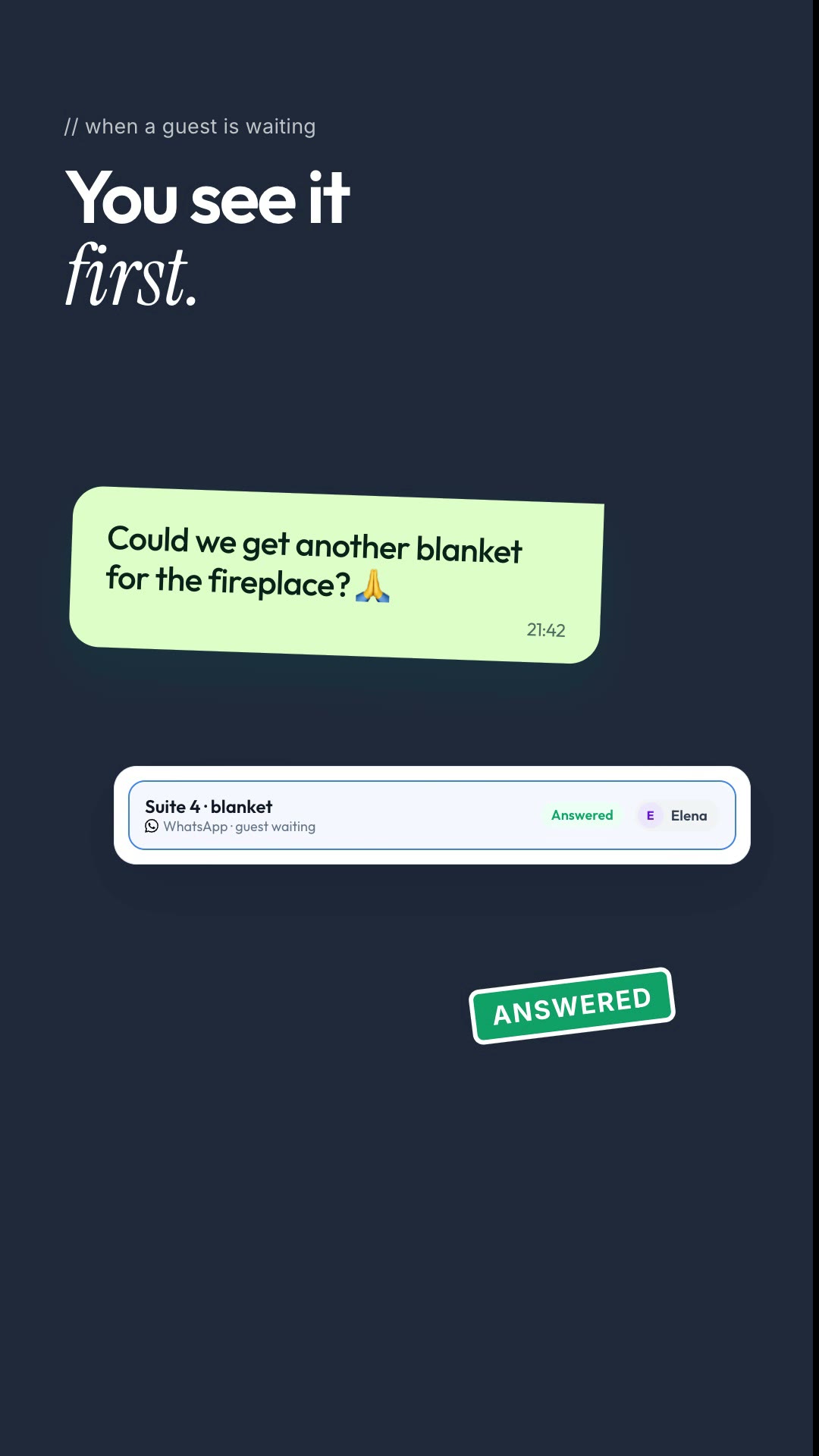
A guest asks for another blanket for the fireplace. The request sits in the thread of a butler who has a busy evening. In the supervisor view that guest shows as waiting, so the ops manager can step in, and once the butler answers the request clears. The guest got a quick reply, and nobody had to ask around to find out. For the metrics behind it, see reply SLA alerts for hotel managers.
What this changes for ops
Butlers keep the WhatsApp conversations guests like. Operations gets a record and a live view across every shift, instead of relying on whoever happens to be on duty. If you run a butler programme and want to see the evening shift on one screen, book a demo at heybutler.io.